Artwork & Digitizing for Embroidery
Great embroidery starts with artwork that’s easy to turn into stitches. This guide covers the best file types, minimum detail limits, and common logo sizes—so your proof is faster and your stitching looks clean.
Local embroidery support for Louisville, Oldham County, and surrounding areas.
Best File Types for Embroidery
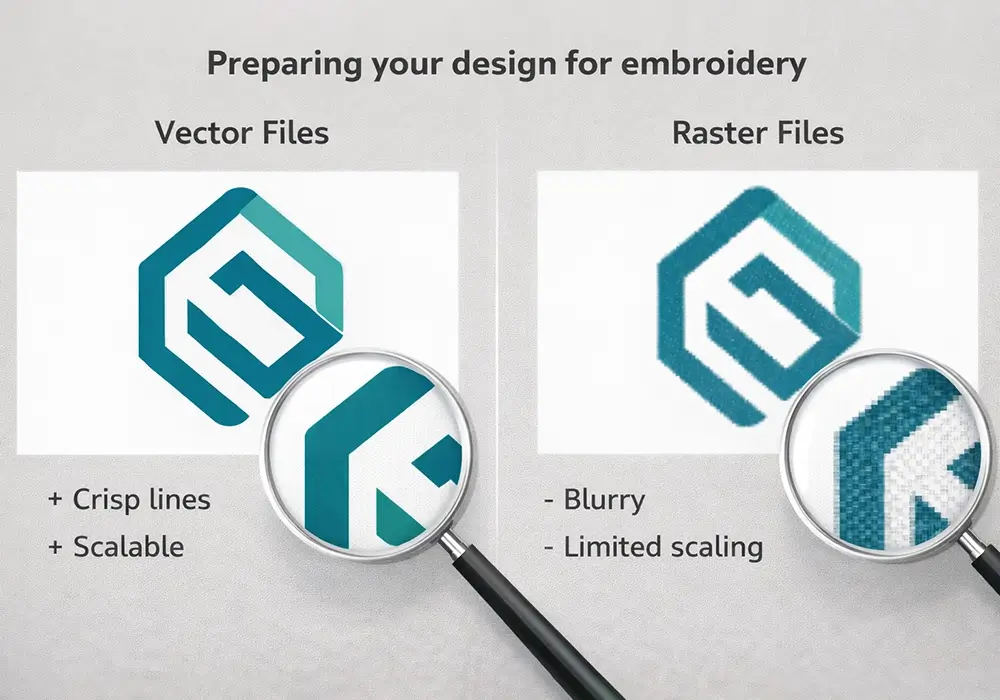
We can work with most files, but vector artwork is the quickest path to a clean proof and accurate stitching. If you’re not sure what you have, upload it—we’ll tell you what’s best.
Preferred (Vector)
- AI, EPS, or PDF (true vector)
- Convert text to outlines
- Expand strokes and embed linked art
- Remove effects (glows/shadows) or include a flat version
Acceptable (Raster)
- PNG (transparent background preferred)
- JPG (high quality, no heavy compression)
- At least 1000px wide for left chest; larger for backs
- High contrast edges (avoid fuzzy/soft logos)
Common Logo Sizes & Placements
Embroidery looks best when the logo is sized for the garment and the stitch detail stays readable. These are the most common sizes we see for uniforms, teams, and small business apparel.
- Left chest: 3.0–3.5" wide (max ~4.0")
- Hat front: up to ~4.5" wide × 2.25" tall (curved surface limits height)
- Sleeve: 0.75–1.25" tall wordmarks; small icons 1.25–1.75" square
- Full back: 8–10" wide typical; 12" max on many garments
What we’ll ask you
- Where should the logo go (left chest, hat, sleeve, back)?
- What garment type/material is it (pique polo, fleece, beanie, etc.)?
- Do you have brand colors (Pantone, HEX, or an example)?
Detail Limits (Text & Lines)
Thread has thickness, fabric moves, and small details can fill in. Use the guide below to avoid rework and keep your logo readable after stitching.
| Garment Area | Min Letter Height | Min Stroke/Gap | Notes |
|---|---|---|---|
| Left Chest / Sleeve | 0.25" (6.4 mm) | 0.03" (0.75 mm) | Use sans-serif; avoid thin serifs & script flourishes. |
| Hat Front | 0.28" (7.1 mm) | 0.035" (0.9 mm) | Curvature reduces small detail; keep shapes bold. |
| Back / Large Marks | 0.3" (7.6 mm) | 0.035" (0.9 mm) | Filled areas need venting; we’ll add underlay as needed. |
Thread Colors & Brand Matching
- Provide Pantone Solid Coated values if available; we’ll match from our thread library.
- 1–8 colors per location is typical (design dependent).
- Metallic & specialty threads available; may affect lead time and cost.
- Gradients convert to solid steps or hatching—send a flat version when possible.
Setup & Digitizing
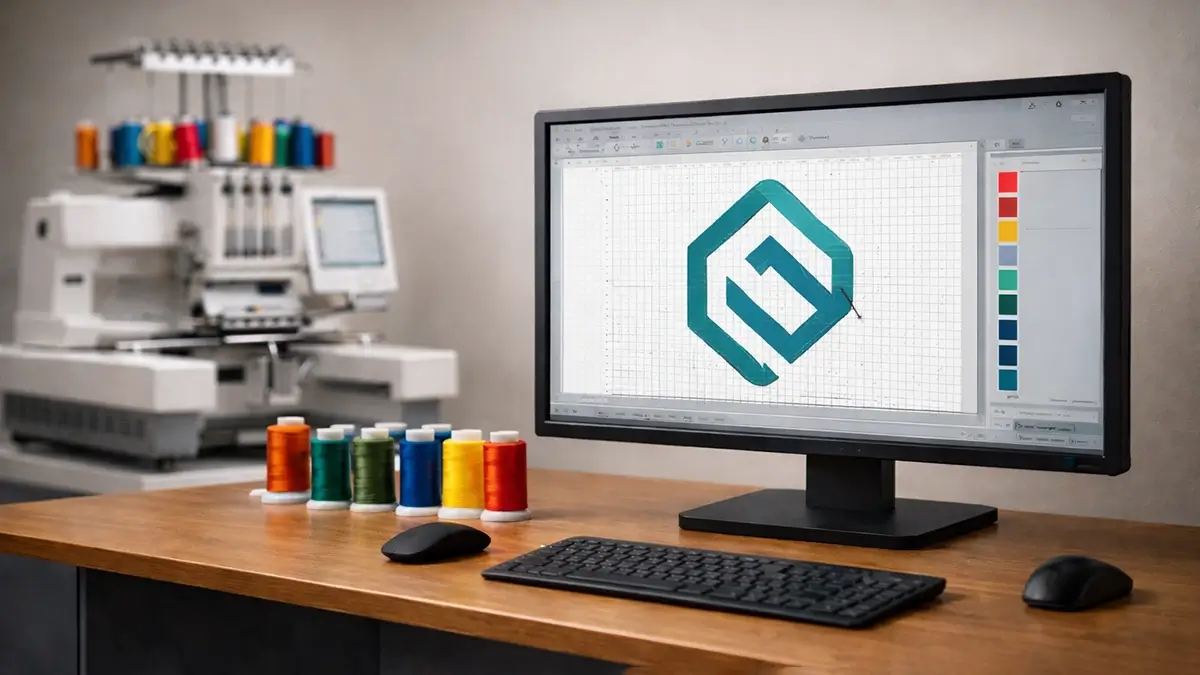
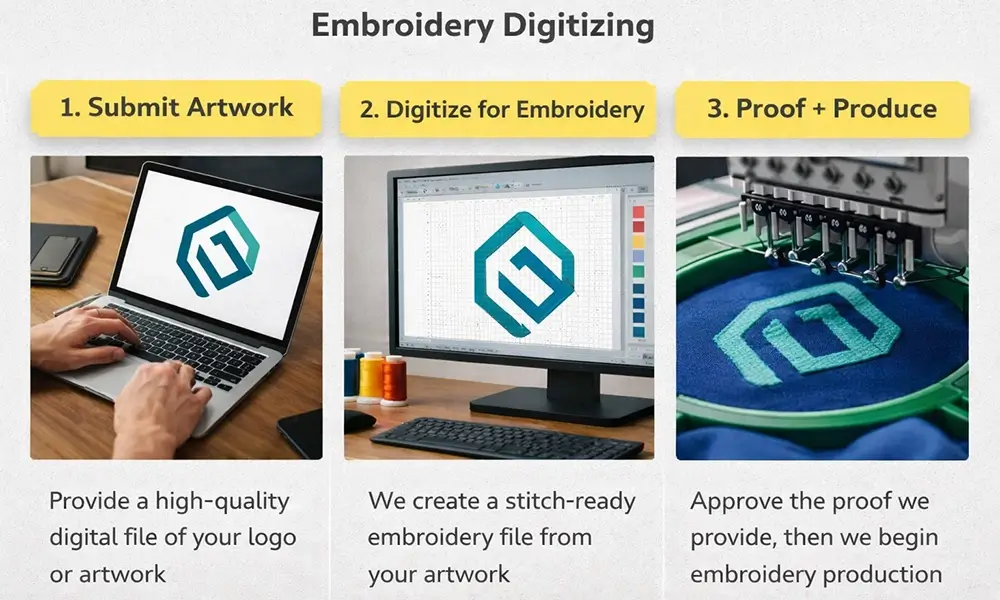
Digitizing builds the stitch map (pathing, density, underlay, pull-compensation) for your design. It’s a one-time setup per size and placement, and we archive the file for easy reorders. See Pricing & Turnaround.
What the setup covers
- Digitizing for the requested placement/size
- Basic cleanup (where possible)
- Proof with thread color callouts + placement
- File archiving for future reorders
Reorders & resizing
- Reuse: once digitized, we keep it for repeat orders
- Resizing: ±10–15% is usually OK
- Big changes (new placement/size) may need a new file
- Appliqué can help with very large marks
Want the fastest proof?
- Upload your best file (AI/PDF preferred)
- Tell us placement + garment type
- Share Pantone numbers if available
Tips to Avoid Rework
Do
- Send vector art when possible; outline fonts.
- Use bold shapes and solid color blocks.
- Share Pantone numbers for brand colors.
- Tell us the garment type/material (performance knit, canvas, fleece, etc.).
Avoid
- Tiny script, hairline strokes, distressed textures at small sizes.
- Photo/gradient fills without a flat alternate.
- Leaving background boxes or artboards in raster files.
- Low-res screenshots or social media downloads.
Artwork FAQs
Helpful next steps
Ready to get started?
Send what you have—even if it’s not perfect. We’ll confirm the best file approach, placement, and setup before production.
Questions about tiny text, hats, or fabric? We’re happy to help.
For more information, please contact us.
Contact Us